Private email backup for Mac

An email backup that you truly own.

Back up Gmail, iCloud, Outlook, Microsoft 365, Fastmail, or any IMAP account to storage you choose. Your saved messages and attachments stay readable even if you lose access to the account.

Try it free with one account and up to 500 messages. Requires macOS 14 or later.

An open teal archive box filled with airmail letters beside an external backup drive.

The same archive, in more places.

Explore backup locations
  • Local drive

    On your Mac or an external drive

  • Network storage

    A mounted NAS or shared folder

  • SFTP server

    An encrypted connection to your server

  • Amazon S3

    An off-site copy in your own bucket

Each location holds a complete copy of your saved mail. Horcrux updates those copies when it backs up the account.

See when each inbox was last backed up.

Set a schedule for each account and let Horcrux run in the background. Follow the current mailbox as it saves, then open Jobs to see when the backup finished and whether verification passed.

Schedule and monitor backups
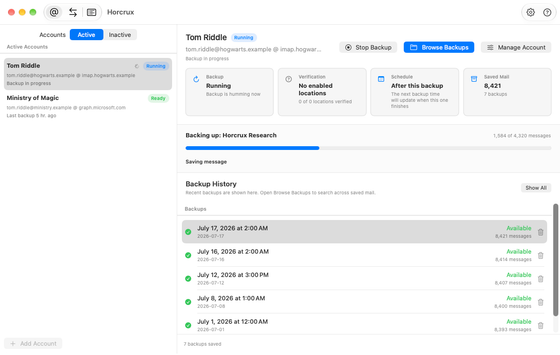
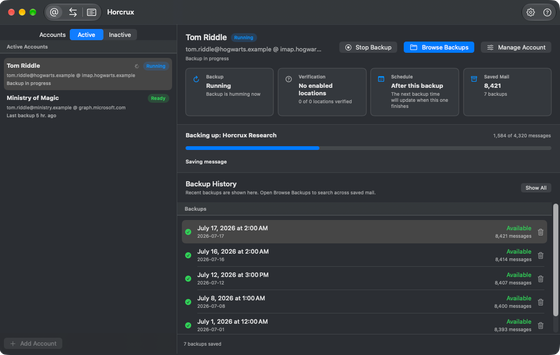
An active backup showing the current mailbox and message count.An active backup showing the current mailbox and message count.
A backup in progress

Find a letter you thought you’d lost.

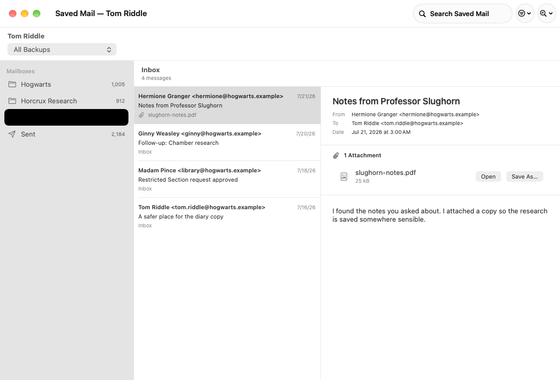
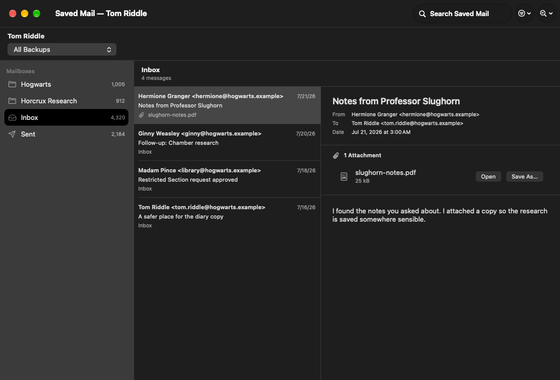
Backup History keeps dated snapshots. Pick a date before a message was deleted, search the saved mailbox, and open its attachments. You can do this offline with a local copy.

Browse and search saved mail
The backup browser showing folders, saved messages, and the selected email.The backup browser showing folders, saved messages, and the selected email.
Browsing a saved mailbox
A missing message in the local backup is recovered from a healthy off-site copy.

When one copy needs repair.

Verification checks the messages in a saved backup. If a drive loses a message, Horcrux can retrieve it from a healthy copy on another drive or server.

How recovery works

Take your mail to another account.

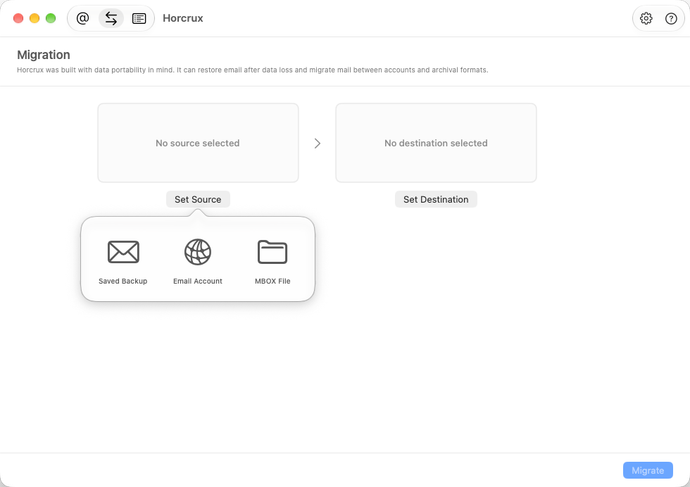
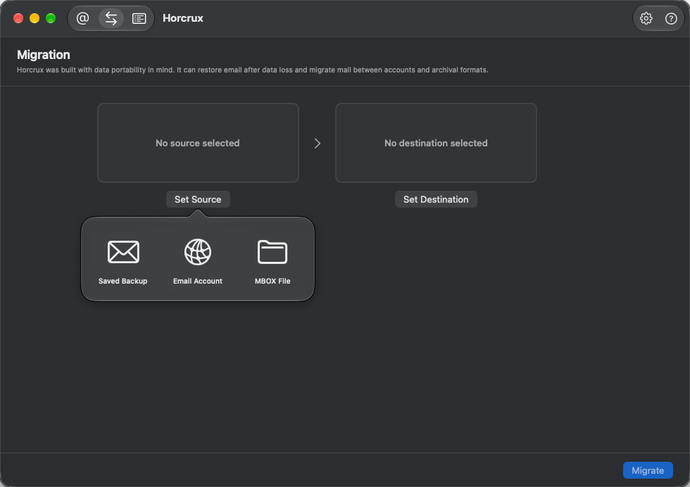
Restore a dated backup to an inbox, move mail between providers, or export a mailbox as an MBOX file. Choose the folders and dates you need before copying.

Restore, migrate, or export mail
The Set Source popover in the Migration tab shows Saved Backup, Email Account, and MBOX File.The Set Source popover in the Migration tab shows Saved Backup, Email Account, and MBOX File.
Choose where to copy mail from

Your mail stays private.

Horcrux connects your provider directly to your storage. Account credentials stay in Apple Keychain on your Mac.

Privacy policy

Open the backup without Horcrux.

Each message is a standard .eml file with its attachments. The backup also contains readable mailbox history and a standalone restore script you can use if the app is unavailable.

Recover mail without the app

Keep Horcrux 5 for good.

A one-time purchase is $49.99 USD, or $29.99 for owners of versions 1–4. You can also pay annually. Either first payment unlocks version 5 permanently. Annual renewals fund maintenance and keep Priority Support active.