
Scheduled backups belong to each account
Open Manage Account, then Schedules, to choose how often one account runs. Backup History creates at most one dated backup each day, so it supports daily or slower schedules. Email Archive can also run every few hours. During evaluation, run backups manually.
Horcrux reconciles missed work after launch, wake, sign-in, network return, or storage reconnection. Enable Run Application in Background in Settings to keep scheduled backups running after you close the main window.
Jobs explains what happened
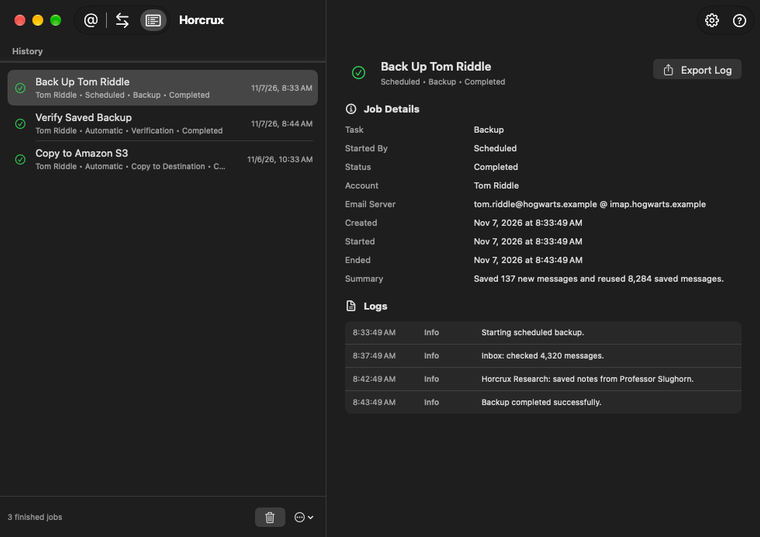
Jobs is the history for backups, verification, indexing, migration, repair, Backup History cleanup, and Backup Location copies. Select a job to see its status, summary, and human-readable log.
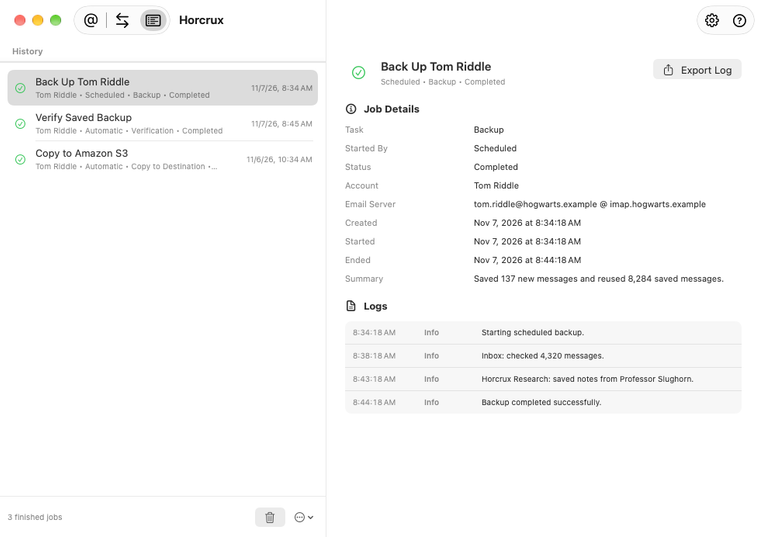
- Queued: waiting for capacity or for other work on the same account to finish.
- Running: active now and usually stoppable.
- Completed: finished successfully.
- Needs Review: finished enough to keep progress, but needs a decision or retry.
- Failed: stopped with a problem that the detail pane explains.
You can export a selected job and its log as a text file for support. Finished history can be pruned or cleared without changing any backup.
When a job fails
Read the summary first, then the latest warning or error in the log. Common causes are an expired account authorization, an unavailable backup location, a disconnected network, or provider throttling.
Fix the reported cause and run the action again. Safe read-side work retries automatically, and completed backup progress is reused where possible. With multiple locations, one location can need attention while another has completed the backup successfully. See how multi-location results are committed.