
Backup locations
The same archive,
in more places.
Keep your mail close at hand on a local drive, or tuck another copy away off-site. Each location holds an independently readable archive.
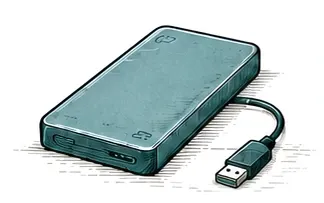
Local drive
On your Mac or an external drive
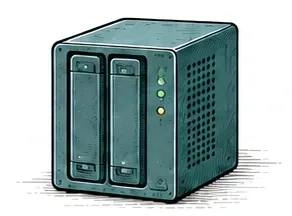
Network storage
A mounted NAS or shared folder
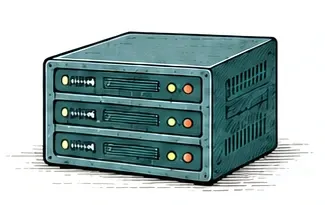
SFTP server
An encrypted connection to your server
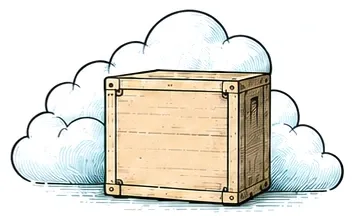
Amazon S3
An off-site copy in your own bucket


For a NAS, mount the shared folder on your Mac. For an off-site copy, Horcrux can back up directly to your own server or AWS bucket. See the setup screens for SFTP and Amazon S3.
When one copy needs repair.
If a saved message is missing from one location, Horcrux can recover it from another healthy copy. Choose locations that can survive different failures, such as a drive at home and a server off-site.
Read the recovery guide
What travels with each copy?
Each location holds your saved messages as standard .eml files, along with readable backup history. Your account passwords and storage credentials stay in Apple Keychain on your Mac.
Included with Horcrux 5.
The full purchase and the upgrade both include local, SFTP, and Amazon S3 backups.