
Run a backup now
- Open Accounts and select the account.
- Click Run Backup.
- Keep your Mac online and your Backup Location available until the backup finishes.
A manual backup works even when automatic backups for that account are paused.
Follow current progress
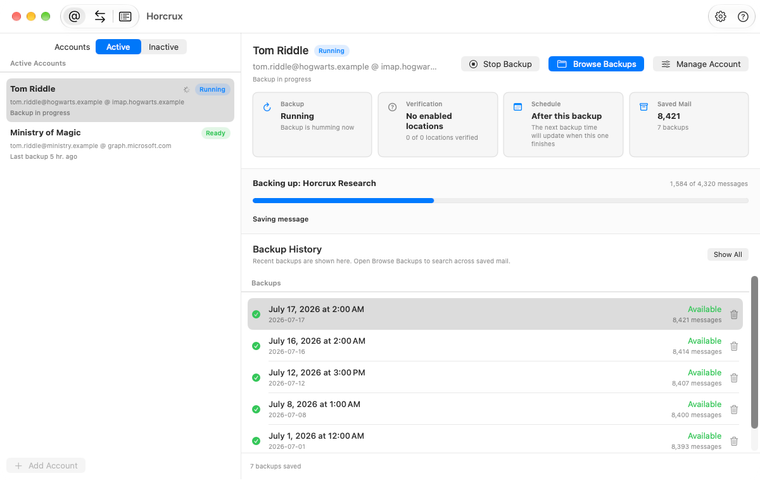
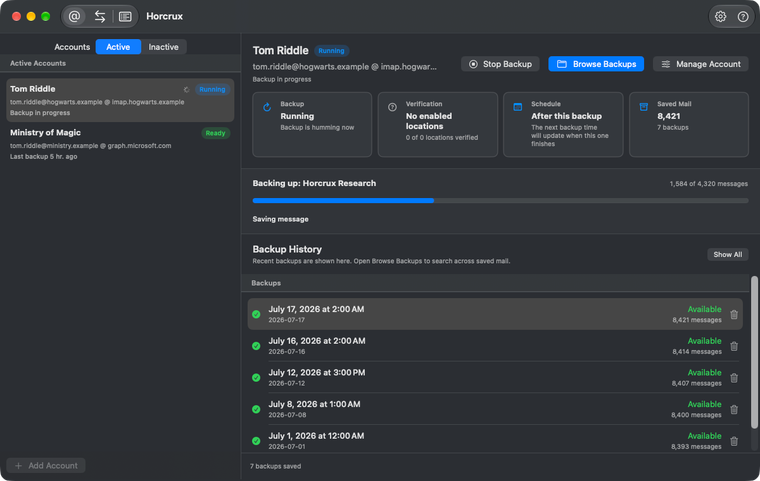
Check the result in Jobs
Open Jobs and select the backup for this account. Look for Completed. Horcrux also records verification as a separate job.
If the backup shows Failed or Needs Review, check the job log.
For future runs, you can set a backup schedule for this account.